> ## Documentation Index
> Fetch the complete documentation index at: https://notiky-mintlify-b5788c9c.mintlify.site/llms.txt
> Use this file to discover all available pages before exploring further.
# Conversations
> Ask, Think, Plan, and Do — operator sessions for product work, not generic chat.
Conversations are how you **think through product work** inside Notiky. Pick a mode that matches how much the AI should read vs act — same idea as giving a colleague a brief vs asking them to ship.
 ***
## The four modes
| Mode | Best for | What it can do |
| --------- | ----------------- | --------------------------------------------------------- |
| **Ask** | Quick questions | Read workspace context — no changes |
| **Think** | Exploring options | Read + capture decisions and notes |
| **Plan** | Shaping work | Draft tasks and artifacts — no live mutations |
| **Do** | Shipping | Full operator tools — create/update tasks, publish drafts |
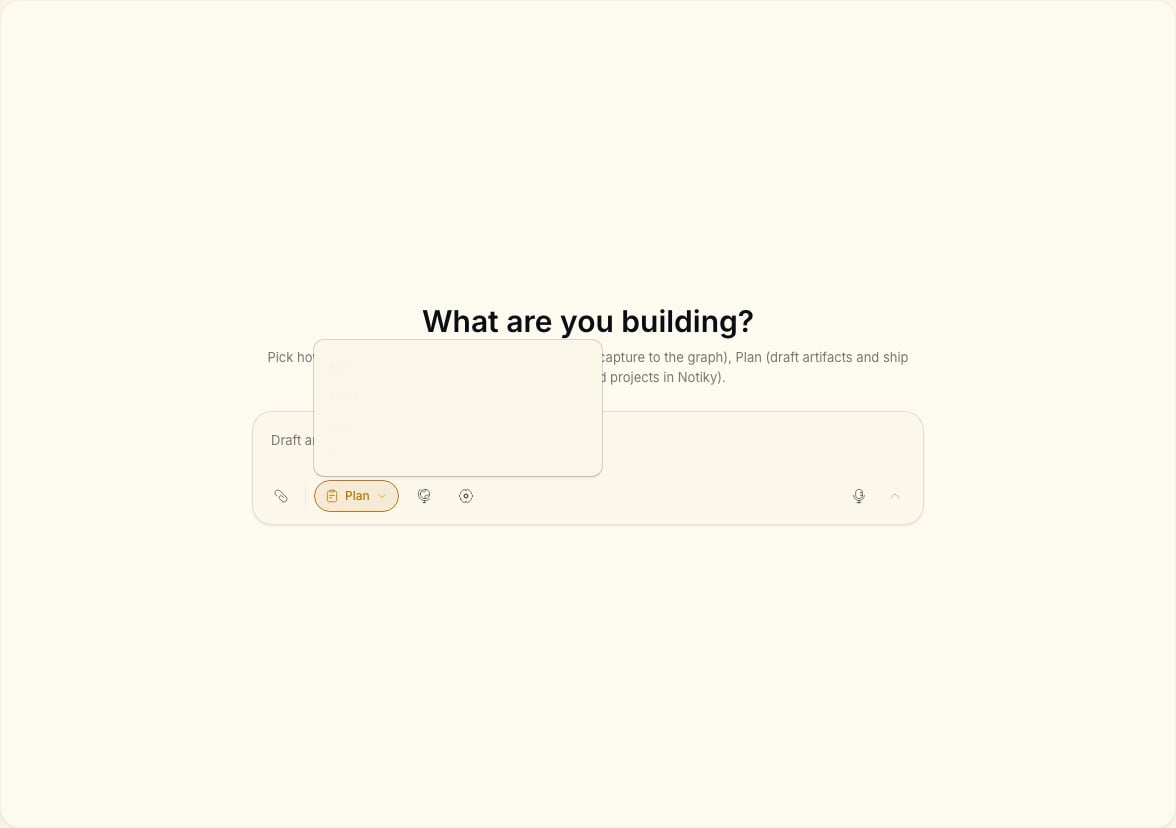
Switch modes with the pills in the conversation composer — **Ask**, **Think**, **Plan**, **Do**.
***
## When to use each mode
### Ask
You want an answer from your workspace: “What did we decide about pricing?” or “Summarize open tasks for this project.”
### Think
You are working through a decision. Notiky can challenge assumptions and capture structured notes — aligned with the landing promise of an AI that **argues back**, not agrees blindly.
### Plan
You are ready to break work into tasks or drafts but not execute yet. Good for PMs shaping a sprint before assigning agents.
### Do
You want the agent to take action: create tasks, update the board, publish artifact drafts. Use when you trust the direction and want execution.
***
## Typical PM flow
Open a conversation in **Think** — explore options and capture rationale.
Switch to **Plan** — draft tasks with enough context for a developer or agent.
Move tasks to the board and assign an [agent](/agents) on a connected runtime.
Follow progress in [Tasks](/tasks) like any other teammate.
See the full recipe: [Decision → task → agent](/example-workflows/decision-to-task).
***
## Related
***
## The four modes
| Mode | Best for | What it can do |
| --------- | ----------------- | --------------------------------------------------------- |
| **Ask** | Quick questions | Read workspace context — no changes |
| **Think** | Exploring options | Read + capture decisions and notes |
| **Plan** | Shaping work | Draft tasks and artifacts — no live mutations |
| **Do** | Shipping | Full operator tools — create/update tasks, publish drafts |
Switch modes with the pills in the conversation composer — **Ask**, **Think**, **Plan**, **Do**.
***
## When to use each mode
### Ask
You want an answer from your workspace: “What did we decide about pricing?” or “Summarize open tasks for this project.”
### Think
You are working through a decision. Notiky can challenge assumptions and capture structured notes — aligned with the landing promise of an AI that **argues back**, not agrees blindly.
### Plan
You are ready to break work into tasks or drafts but not execute yet. Good for PMs shaping a sprint before assigning agents.
### Do
You want the agent to take action: create tasks, update the board, publish artifact drafts. Use when you trust the direction and want execution.
***
## Typical PM flow
Open a conversation in **Think** — explore options and capture rationale.
Switch to **Plan** — draft tasks with enough context for a developer or agent.
Move tasks to the board and assign an [agent](/agents) on a connected runtime.
Follow progress in [Tasks](/tasks) like any other teammate.
See the full recipe: [Decision → task → agent](/example-workflows/decision-to-task).
***
## Related