> ## Documentation Index
> Fetch the complete documentation index at: https://notiky-mintlify-b5788c9c.mintlify.site/llms.txt
> Use this file to discover all available pages before exploring further.
# Setup with AI
> Copy-paste this prompt into Cursor, Claude Code, or Copilot to install Notiky on your machine.
Give this to your coding agent if you'd rather not run install commands yourself. It covers install, login, daemon, and verification — the same path as [Cloud Quickstart](/cloud-quickstart).
 ```
Install and configure Notiky on this machine so I can assign agent tasks from the Notiky web app.
1. Install the Notiky CLI:
curl -fsSL https://get.notiky.com | bash
2. Run interactive setup (login + workspace + daemon):
notiky setup
3. Verify the daemon is running and agent CLIs are detected:
notiky daemon status --output json
4. If no agent CLI is detected, tell me which of these I should install first based on what's missing:
Claude Code (claude), Codex (codex), OpenCode (opencode), Cursor Agent (cursor-agent),
Copilot (copilot), OpenClaw (openclaw), Hermes (hermes), Gemini (gemini), Pi (pi)
5. After any new agent CLI is installed, run:
notiky daemon restart
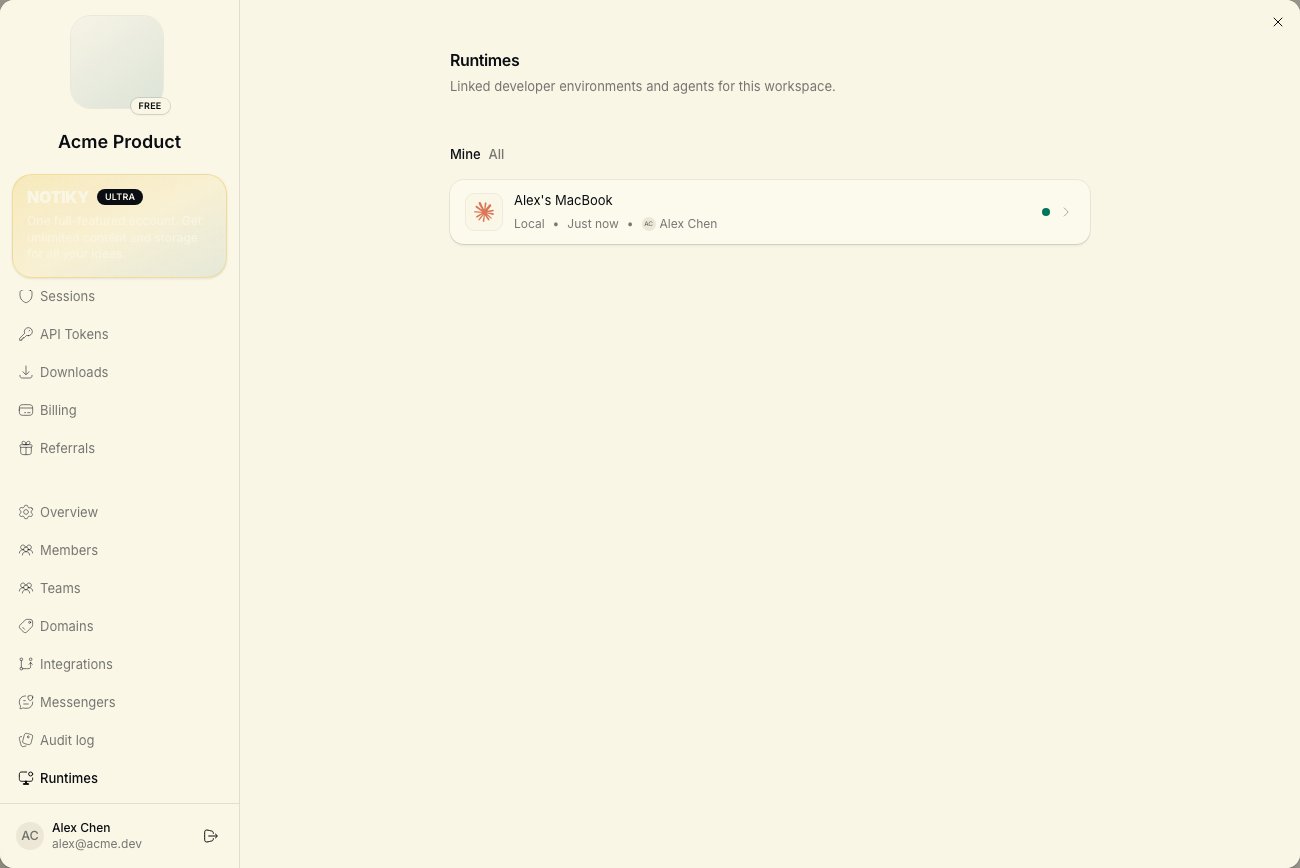
6. Confirm my machine appears online under Settings → Runtimes in the Notiky web app.
Do not modify my application source code unless I ask. Report any errors verbatim.
```
***
## When to use this
* You're a **founder or PM** pairing with a technical agent for one-time setup
* You're on a fresh machine and want hands-off install
* You already use Cursor or Claude Code daily and prefer agent-driven ops
## When to skip this
* You want full control — follow [CLI installation](/cli/installation) directly
* You're connecting to **self-hosted** Notiky — set `NOTIKY_APP_URL` and `NOTIKY_SERVER_URL` first (see [Connect your machine](/developers/connect-your-machine))
***
## After setup
```
Install and configure Notiky on this machine so I can assign agent tasks from the Notiky web app.
1. Install the Notiky CLI:
curl -fsSL https://get.notiky.com | bash
2. Run interactive setup (login + workspace + daemon):
notiky setup
3. Verify the daemon is running and agent CLIs are detected:
notiky daemon status --output json
4. If no agent CLI is detected, tell me which of these I should install first based on what's missing:
Claude Code (claude), Codex (codex), OpenCode (opencode), Cursor Agent (cursor-agent),
Copilot (copilot), OpenClaw (openclaw), Hermes (hermes), Gemini (gemini), Pi (pi)
5. After any new agent CLI is installed, run:
notiky daemon restart
6. Confirm my machine appears online under Settings → Runtimes in the Notiky web app.
Do not modify my application source code unless I ask. Report any errors verbatim.
```
***
## When to use this
* You're a **founder or PM** pairing with a technical agent for one-time setup
* You're on a fresh machine and want hands-off install
* You already use Cursor or Claude Code daily and prefer agent-driven ops
## When to skip this
* You want full control — follow [CLI installation](/cli/installation) directly
* You're connecting to **self-hosted** Notiky — set `NOTIKY_APP_URL` and `NOTIKY_SERVER_URL` first (see [Connect your machine](/developers/connect-your-machine))
***
## After setup