

When to use projects
- You run multiple products in one workspace
- You want agents and humans scoped to one initiative
- You report progress per stream (“mobile app”, “API migration”, “launch week”)
Create and manage
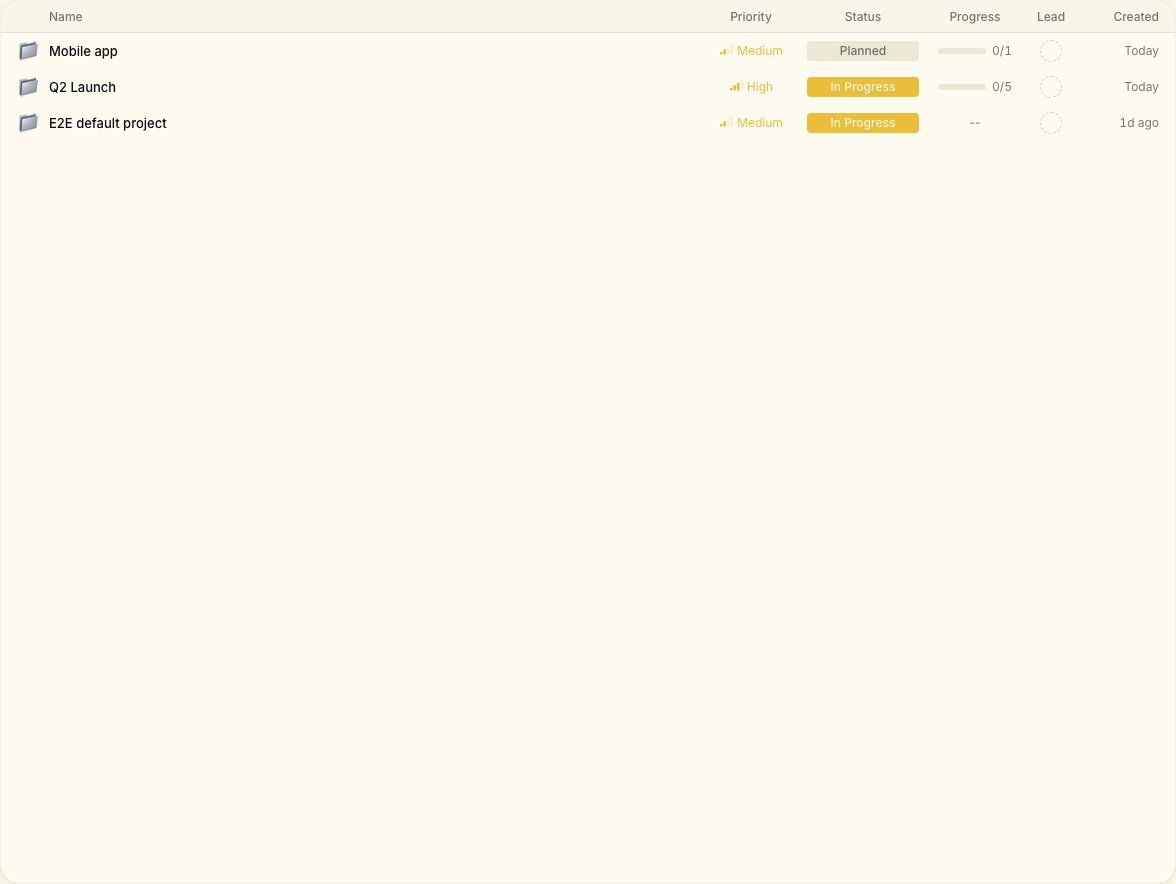
From the workspace Projects view:- Create a project with a clear name and short description
- Associate new tasks with that project when creating work
- Filter the board or list by project to focus the team