

Two layers
Local skills
Skills already installed on your machine are discovered automatically:
You do not need to upload these to Notiky. The daemon passes them through to agent runs.
Workspace skills
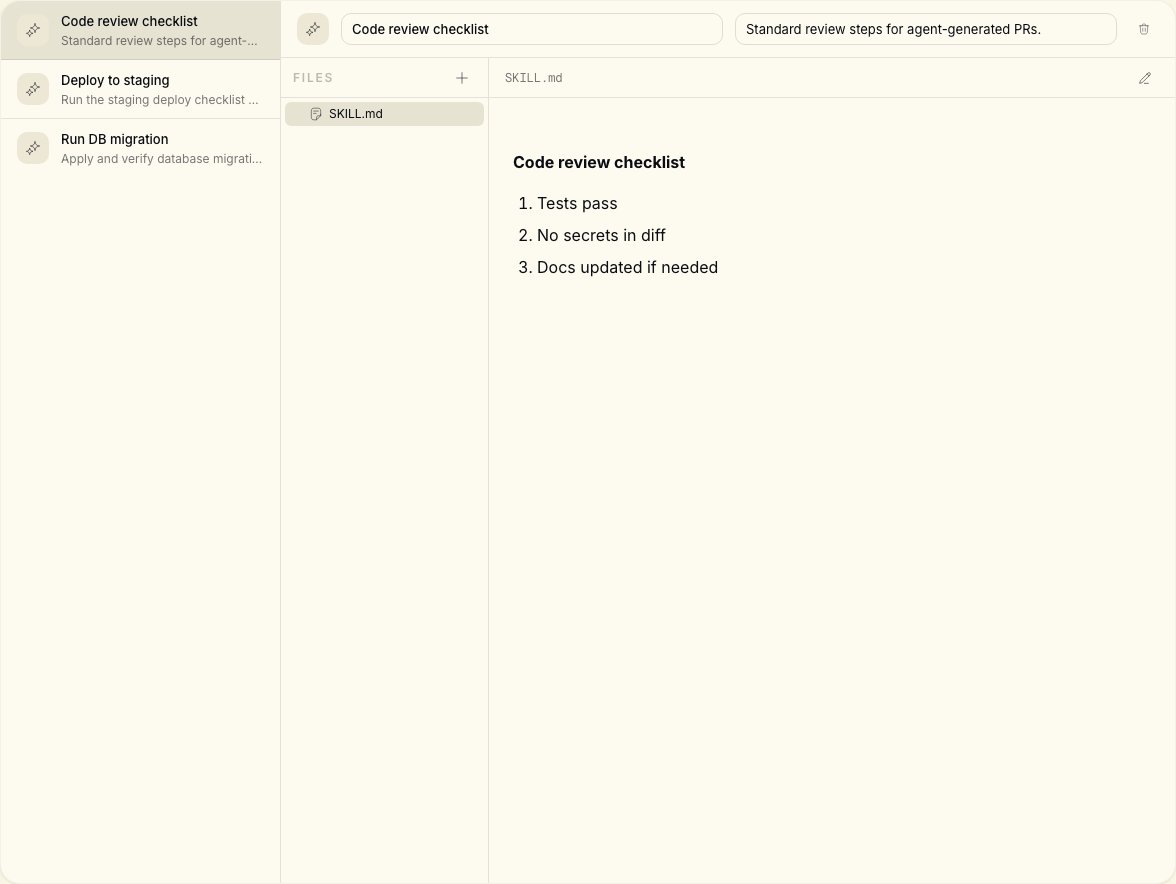
Create or import skills in the Skills page of your Notiky workspace. These are shared across the team and injected into every agent run in that workspace. Use workspace skills for:- Deployment runbooks
- Database migration procedures
- Code review checklists
- Internal conventions and patterns
Why skills matter
Every solved problem can become a reusable skill. Your skill library compounds over time — local skills give individual agents capabilities; workspace skills align the entire team.1
Pick one high-frequency workflow
Example: deploy to staging, or run the release checklist.
2
Capture it as a workspace skill
Use the Skills page to document steps and constraints.
3
Assign a task that references it
Write the task description so the agent knows to apply the skill.
4
Iterate from output
Refine the skill when the agent misses an edge case.